If you’re serious about offensive security, you need somewhere to break things without consequences. A proper penetration testing home lab setup is that place. Not a cloud VM you’re scared to nuke. Not a single Kali box on your home network praying nothing escapes. A real, isolated, layered environment where you can simulate corporate networks, run exploit chains, and watch traffic fly across the wire without touching anything that matters.
The good news: you don’t need a rack of enterprise gear to pull this off. A couple of second-hand machines from eBay, some smart virtualisation choices, and the right software stack will take you further than most people think. Here’s how to do it properly.
Choosing Your Hardware Without Spending a Fortune
Forget buying new. The sweet spot for a home pentest lab right now is refurbished enterprise workstations from the previous generation. Think Dell OptiPlex 7060 or HP EliteDesk 800 G4. You can pick them up on eBay for £80 to £150 each, and they come with enough RAM and CPU grunt to run 6 to 8 VMs simultaneously without melting. Aim for at least 32GB of RAM per machine if you can. 64GB is better. RAM is the actual bottleneck in virtualised lab work, not CPU.
For storage, a 500GB NVMe SSD is the floor. VM snapshots eat space fast. A secondary 1TB SATA SSD for storing vulnerable machine images and packet captures is worth every penny. Network-wise, you want at least two physical NICs per host. One for management traffic, one for lab network traffic. USB gigabit adaptors work in a pinch but buy a proper PCIe card if you can spare a slot.
Why Proxmox Is the Right Hypervisor for This
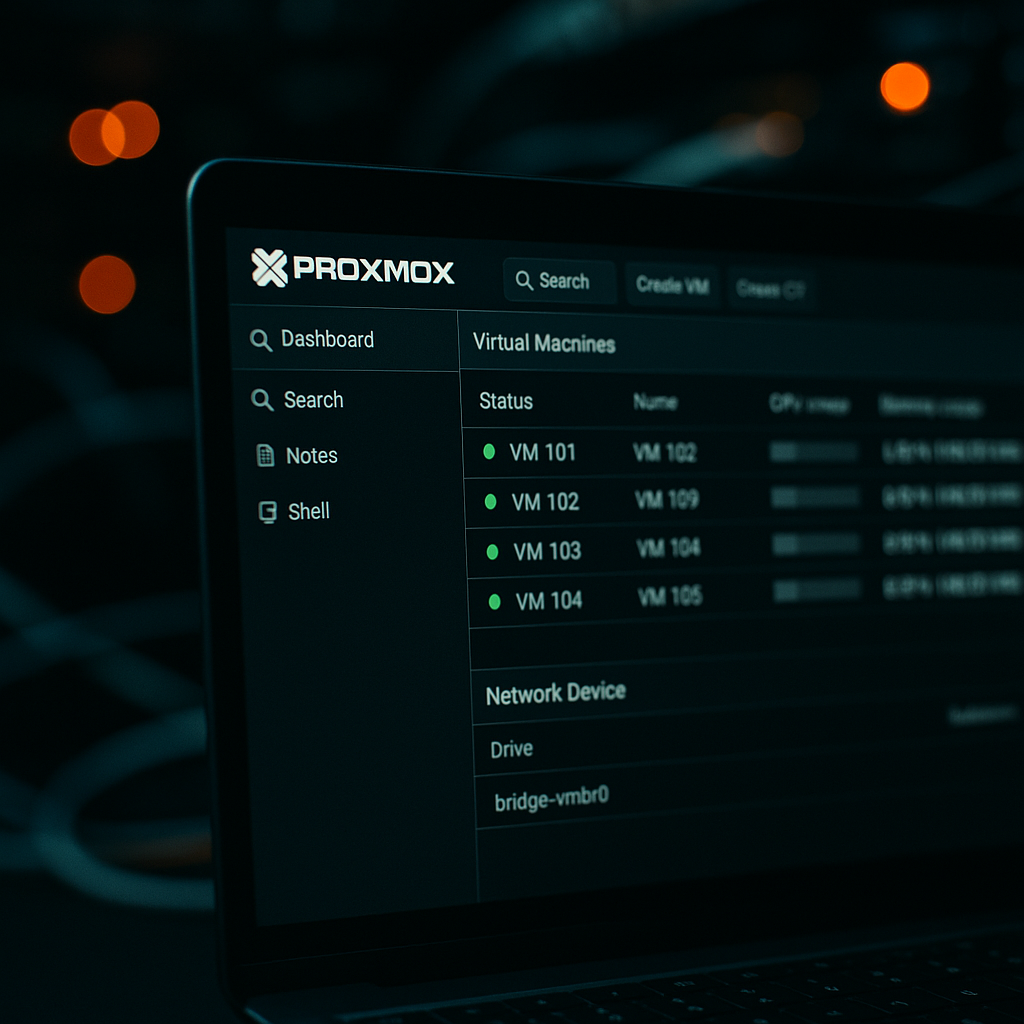
Proxmox VE is the backbone of any serious penetration testing home lab setup. It’s free, it’s open-source, it runs on bare metal, and it gives you full KVM virtualisation plus LXC containers from a single web interface. More importantly, it gives you granular control over virtual networks, VLANs, and bridge configurations, which is exactly what you need for isolation.
Install Proxmox on your primary host. The installation process is straightforward: grab the ISO from the Proxmox website, flash it to a USB drive, boot from it, and follow the prompts. Once it’s up, you manage everything from a browser at port 8006. No GUI required on the host itself. That’s the point.
Create separate Linux bridges in Proxmox for each network segment. Your management network, your attack network, your victim network, and optionally a DMZ-style segment if you want to simulate more complex infrastructure. Bridges are cheap to create and they keep traffic logically separated at the hypervisor level before any firewall rules even kick in.
Network Segmentation: The Part Most People Get Wrong
This is where amateur setups fall apart. Slapping a Kali VM and a Metasploitable VM on the same flat network and calling it a lab isn’t really teaching you anything about real-world pentesting. Real targets sit behind firewalls, VLANs, and multiple network hops. Replicate that.
The architecture I’d recommend for a starter lab looks like this. Three segments minimum. Segment one is your management VLAN, home to Proxmox’s web interface and nothing else. Segment two is your attacker network, where your Kali or ParrotOS VM lives. Segment three is your victim network, isolated from the internet and only reachable from the attacker segment via a firewall VM. pfSense or OPNsense running as a VM makes a brilliant gateway/firewall between segments. Configure firewall rules so the victim network has zero outbound internet access. You don’t want vulnerable VMs phoning home or worse, something exploitable becoming a pivot point into your actual home network.
VLAN tagging via Proxmox’s Linux bridge configuration means you can have multiple logical networks sharing the same physical switch without traffic bleeding between them. A cheap managed switch like the TP-Link TL-SG108E (around £25 from most UK tech retailers) supports 802.1Q VLANs and is more than adequate for a home lab of this scale.
Traffic Sniffing Setups That Actually Teach You Something
Watching packets move is one of the best learning tools available. In Proxmox, you can set up a port mirror by adding a second network interface to your Kali VM that sits in promiscuous mode on the victim bridge. Wireshark on Kali then sees everything traversing that segment. No additional hardware required.
For more serious work, spin up a dedicated Security Onion VM on its own sniffing interface. Security Onion bundles Suricata for IDS alerts, Zeek for network metadata, and a web-based interface for browsing everything. Pointing it at your victim segment turns your lab into something that closely resembles a real SOC environment. You get to attack, detect, and analyse all from the same infrastructure. That feedback loop is invaluable.
ntopng is another useful addition if you want a visual traffic dashboard. Lightweight, runs as a container or a VM, and gives you flow-level visibility across your segments in real time.
The Vulnerable VM Stack Worth Running
The ecosystem of intentionally vulnerable environments is genuinely excellent right now. Here’s what serious researchers actually keep on hand for a solid penetration testing home lab setup.
Metasploitable 3 is still worth having. It’s aged but it covers a huge range of classic service vulnerabilities and is well-documented for learning Metasploit workflows. VulnHub machines are downloadable OVAs you import directly into Proxmox. The variety is enormous, from web app focused boxes to full Active Directory environments. DVWA (Damn Vulnerable Web Application) runs as a lightweight VM or Docker container and covers the OWASP Top 10 in a controlled way. If web app testing is your focus, it’s indispensable.
For Active Directory simulation, which is increasingly important given how many real-world pentest engagements involve AD environments, look at GOAD (Game of Active Directory) by Orange Cyberdefense. It provisions a fully configured multi-domain Windows environment using Vagrant and Ansible. Heavy on RAM but worth it. You’ll need at least 64GB across your lab hosts to run it comfortably.
Hack The Box and TryHackMe are cloud-based alternatives worth mentioning, though they lack the local control that makes a home lab genuinely educational. Running everything locally means you can pause execution mid-exploit, inspect memory, and modify the environment in ways you simply can’t on a hosted platform.
The Software Stack Serious Researchers Actually Use
Kali Linux is the obvious attacker OS and it’s still the default for good reason. The toolset is comprehensive and it’s updated regularly. ParrotOS is a lighter alternative if RAM is tight. For specialised work, BlackArch Linux has an enormous repository of tools not packaged in Kali, though the install process is rougher.
Beyond the OS, the tools you’ll spend most time in are: Nmap for reconnaissance, Burp Suite Community Edition for web app testing (the Pro licence is around £400/year, worth it if you’re doing this professionally), Metasploit Framework, BloodHound for AD enumeration and attack path visualisation, Impacket for Windows protocol exploitation, and CrackMapExec for lateral movement simulation.
Document everything with Obsidian or CherryTree. Seriously. Building the habit of writing structured notes during lab sessions is what separates people who can write a real pentest report from people who can just run tools.
Connecting the Lab to Real-World Skills
A home pentest lab doesn’t exist in isolation from the broader web ecosystem. Understanding how attackers map and exploit web infrastructure is directly relevant to anyone running or managing online systems. Businesses running their own web presence, including those managing custom software and hosted web properties, are among the most frequent real-world pentest targets. Firms like dijitul, a digital agency based in Mansfield, Nottinghamshire specialising in web design, SEO, and managed hosting, sit at exactly the intersection where the lab skills you’re building become commercially valuable. Their clients at dijitul.uk rely on well-hardened web software and business-critical web infrastructure, the same categories of systems you’re learning to probe in a controlled environment. Understanding vulnerabilities in web design platforms, content management software, and marketing infrastructure means you can communicate risk in terms those clients actually understand.
The UK’s National Cyber Security Centre publishes solid guidance on what constitutes responsible research and testing, and it’s worth reading their official penetration testing guidance to understand the legal and ethical framework you’re operating within. The Computer Misuse Act 1990 is not optional reading, it’s the law you need to know before you point any tool at anything you don’t own.
Running a serious penetration testing home lab setup is also a genuine differentiator in job applications and certifications. The OSCP (Offensive Security Certified Professional) exam is essentially a 24-hour practical lab challenge. If your home environment mirrors the structure they use, exam day feels a lot less alien. Same logic applies to the eCPPTv3, CEH practical, and the newer PNPT from TCM Security.
Beyond certs, the discipline of building and maintaining a proper lab, managing snapshots, documenting findings, tuning firewall rules, correlating IDS alerts, builds the mental model of IT infrastructure that makes you genuinely useful in a real engagement. Tools are just tools. The thinking behind them is what agencies and clients pay for.
It’s also worth noting that the skills overlap in interesting directions. Penetration testers who understand the business context of the systems they assess, including how web design, software deployment, and marketing platforms are architected, consistently produce more actionable reports. A firm like dijitul illustrates the point neatly: their stack spans hosting infrastructure, custom web software, and business efficiency tooling for clients, each component a potential attack surface that a well-prepared tester needs to understand from the inside out.
Build the lab. Break things deliberately. Learn what actually happens under the bonnet when an exploit lands. There’s no substitute for it.
Frequently Asked Questions
What hardware do I need for a penetration testing home lab setup?
A second-hand enterprise workstation with at least 32GB of RAM is a solid starting point. Machines like the Dell OptiPlex 7060 can be found on eBay for under £150 and are powerful enough to run multiple virtual machines simultaneously for realistic lab scenarios.
Is it legal to run a pentest lab at home in the UK?
Yes, as long as you are only testing systems you own or have explicit written permission to test. The Computer Misuse Act 1990 makes unauthorised access to computer systems a criminal offence, so your lab must be fully isolated from external networks and third-party systems.
Why use Proxmox instead of VirtualBox or VMware for a home lab?
Proxmox offers bare-metal KVM virtualisation with full VLAN and bridge support, which is critical for realistic network segmentation. It’s free, stable, and gives you a proper web management interface, making it significantly more powerful than desktop hypervisors like VirtualBox for lab work.
What vulnerable VMs should I start with as a beginner?
Metasploitable 3 and DVWA are excellent starting points as they cover a wide range of classic vulnerabilities and are well-documented. Once comfortable, VulnHub machines offer a huge variety of challenges, and GOAD is the go-to choice for practising Active Directory attacks.
How do I stop my pentest lab VMs from accessing my real home network?
Use separate Linux bridges in Proxmox for your victim network and configure a pfSense or OPNsense firewall VM as the gateway between segments. Block all outbound internet access from your victim VLAN at the firewall level and ensure your management interface is on a completely separate bridge.